WARDOGS Squad Size: Unlimited Squads and Team Functions Explained
WARDOGS lists squad size as unlimited. Learn how that differs from the 100-player, three-team match and how communication and vehicle locking work.
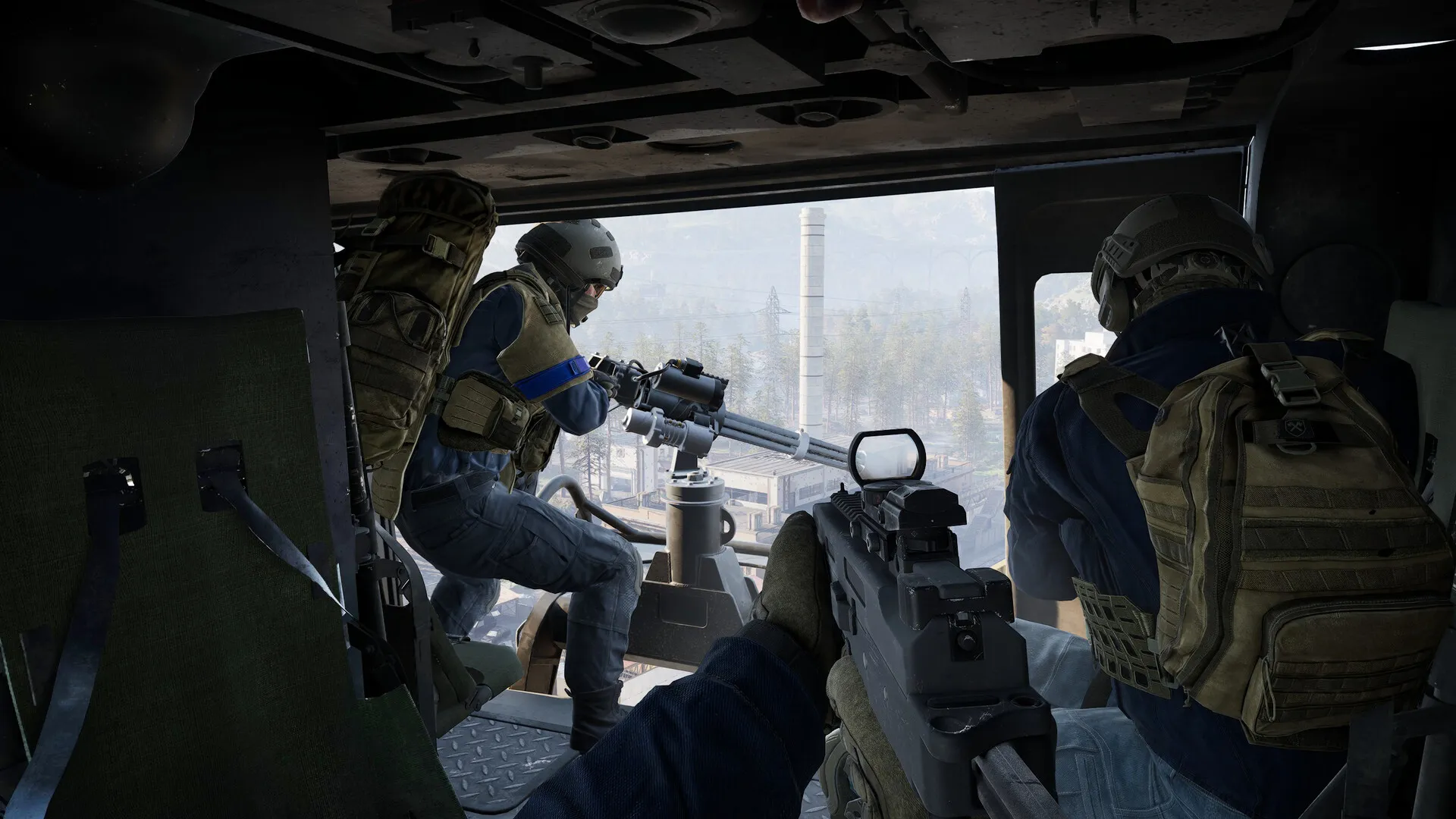
The official WARDOGS TOP QUESTIONS announcement answers “Squad Sizes” with Unlimited. Squads also get extra UI, communication tools and vehicle locking. “Unlimited” describes how many players a squad can contain, not the server population. Steam and Team17 still define matches as up to 100 players split into three teams.
What does an unlimited squad mean?
| Layer | Rule or function | What it means in practice |
|---|---|---|
| Squad | No fixed squad cap is published; the official answer is Unlimited. | It does not let a squad exceed the current server or team population. |
| Team / Match | Up to 100 players split into three teams contesting the Control Zone. | A match need not be full, and the three teams do not have to be perfectly even every time. |
| Squad functions | Extra UI, communication tools and vehicle locking. | The announcement does not promise fixed squad-leader powers, cross-team grouping or other unlisted permissions. |
A Steam community discussion about “Max squad size?” says a full team can fit in one squad, which helps illustrate Unlimited; the in-game version remains the authority for exact UI and permissions.
Why a large squad helps
A large group of friends does not have to split into several small squads just to organize a route. Shared UI and communication tools make coordination easier, while vehicle locking can reduce vehicles being taken or misused during transport. More people still do not mean one identical task: Control Zone play needs different players handling approaches, revives, supplies, construction and vehicles.
That is the difference between an unlimited squad and unlimited firepower. If everyone uses the same route, another team can still flank the group. Numbers become useful only when communication, roles and rotations turn them into effective bodies in the zone.
How to use squad functions without mixing up the limits
- Separate squad, team and match. You can organize a large group in one squad, while the server still controls the match population and three-team structure.
- Use the squad UI to assign jobs. Before moving out, assign entry, revive, supply, transport and scouting duties; a larger squad is not a substitute for communication.
- Lock vehicles that need protection. Agree on the driver, passengers and purpose first, then use locking as a coordination tool rather than permanent ownership.
- Check the interface as the version changes. If Early Access changes squad UI, player limits or vehicle permissions, check three sources. Steam News, BULKHEAD/Team17 announcements and the in-game explanation.
Common misunderstandings
- “Unlimited” means infinite players in one match. No. The official match scale remains up to 100 players.
- A Discord faction role is the same as an in-game squad. No. Community identity and in-game teams or squads are separate systems.
- A large squad does not need roles. No. Control Zone routes, support and revives still require clear assignments.
- “Unlimited” means every squad permission has no limits. Not necessarily. The announcement explicitly covers player count; other permissions depend on the current interface and later announcements.
Sources and update boundary
- Official WARDOGS Steam TOP QUESTIONS announcement
- Steam community: Max squad size?
- WARDOGS on Steam
- Team17 WARDOGS
This page reflects official information; the current confirmed rule is that the developer has not set a fixed squad-size cap.
Related Articles
guide
WARDOGS Balance Debate: Infantry, Mortars and Sniper Towers
Infantry feels high-risk and low-reward, the mortar shell camera feels too strong, and sniper towers are brutal. Both sides of the argument, and what changed.
guide
WARDOGS Cheaters and Anti-Cheat: Zero Tolerance, Plus an Honest Admission
Four parallel detection systems and a zero-tolerance policy, plus the developer admitting cheaters slip through and that launch false-banned streamers.
guide
Is WARDOGS Worth It? The $39.99 Checklist Before You Buy
Official facts as of September 14, 2026: $39.99 Early Access, 37 weapons, 3 maps, 1.0 still 1-2 years out. Four checks to decide if it is for you.